

Choosing an IPTV Canada service in 2026 is easy to get wrong. Hundreds of providers promise thousands of channels, 4K quality and zero buffering, yet many disappear after a few months or freeze the moment a big game starts. This guide gives you a simple, practical way to compare providers so you pay for a service that actually works on your screens, in your province, at the hours you watch.
If you are new to the topic, start with our complete guide to subscription IPTV in Canada. If you already know the basics, the checklist below will help you choose with confidence.
⚡ Key takeaways
- Test any IPTV Canada service during peak hours (7–11 PM) before paying for a long plan.
- Confirm your exact devices and how many screens you can use at once.
- Look for clear pricing, Canadian-friendly payment such as Interac e-Transfer, and support that replies quickly.
- Understand what the provider is licensed to offer, so you know what you are paying for.
Table of contents
What IPTV Canada Means in 2026
IPTV (Internet Protocol Television) delivers live TV, sports and on-demand content over your internet connection instead of a cable or satellite line. You watch through an app on a Smart TV, streaming stick, Android box, phone or computer.
For Canadian households, the appeal is simple: no installation appointment, no long contract, no box rental fees, and the freedom to watch on the devices you already own. That is why more people are moving from cable to an IPTV Canada subscription every year. The trade-off is that quality varies widely between providers, which is why the way you choose matters more than the channel count on a sales page.
The 7-Point IPTV Canada Checklist
Use these seven points to compare any two providers side by side. A service that passes all seven is very likely to be a good long-term choice.
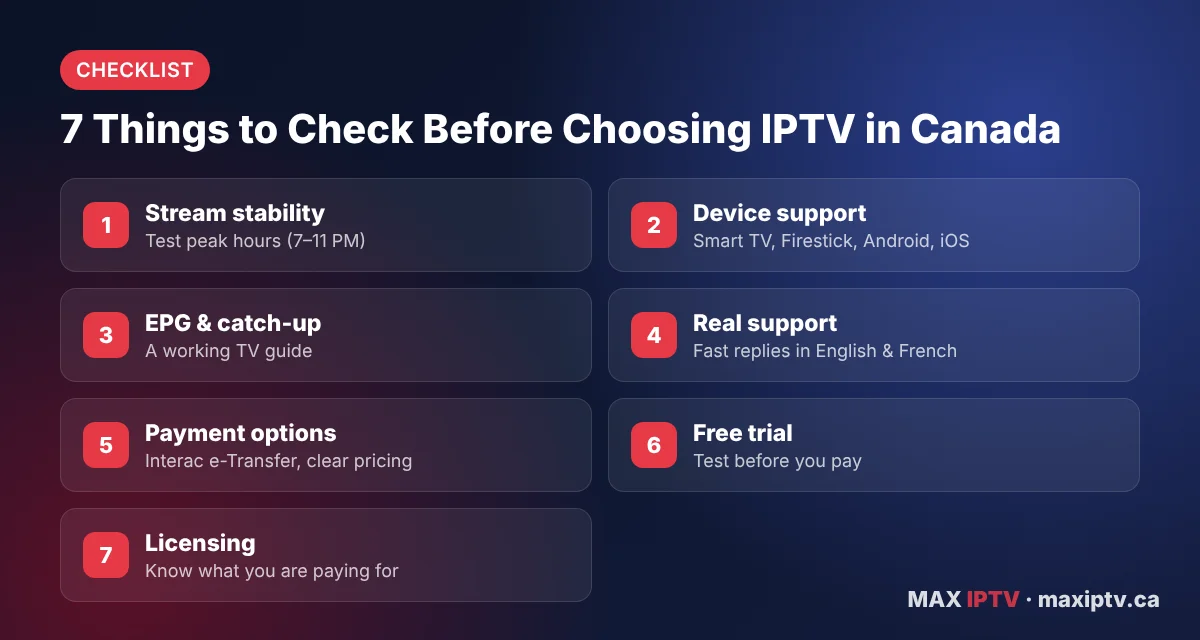
1. Stream stability at peak hours
Almost every service looks fine on a Tuesday morning. The real test is weeknight prime time and live sports, when servers are under the most load. Watch a live channel for at least 30 minutes between 7 and 11 PM. If you see repeated freezing, read our guide on the real causes of IPTV buffering to rule out your own network first.
2. Device support
Check that the provider supports your exact devices: Samsung or LG Smart TV, Amazon Fire TV Stick, Android TV box, Apple TV, iPhone, Android phone or computer. Ask how many devices can stream at the same time on one plan, because this is where many families get caught out.
3. Programme guide (EPG) and catch-up
A working electronic programme guide makes IPTV feel like real TV: you can see what is on now and next, and plan your viewing. Check that the guide loads and shows the correct Eastern, Central, Mountain or Pacific times. A good player app helps here; see our IPTV player comparison.
4. Real, reachable support
Send the provider a question before you buy and time the answer. A reliable IPTV Canada provider replies clearly within hours, not days, and can help with setup on your specific device. Support in both English and French is a strong plus.
5. Clear pricing and Canadian payment options
Prices should be published, in Canadian dollars, with no hidden fees. Familiar payment methods such as Interac e-Transfer give you a record of what you paid. Compare plan lengths and prices in our IPTV plans and prices in Canada overview.
6. A free trial or short test plan
Never commit to 12 months without testing. A free trial or a one-month plan lets you check quality on your own internet and devices. Here is how to request the Max IPTV free trial and what to expect from it.
7. Licensing and transparency
Know what the provider is offering and on what basis. Transparent providers explain their service, publish contact details and terms, and answer questions about content. Our guide on how to identify legal vs illegal IPTV services explains what to look for.
Want to test before you commit?
Check Max IPTV on your own TV and internet connection first.
Get your free trialSee pricingIPTV Canada Devices and Internet Speed
One of the biggest advantages of IPTV is that it works on the screens you already own. Before you subscribe, match your devices to the apps the provider supports.
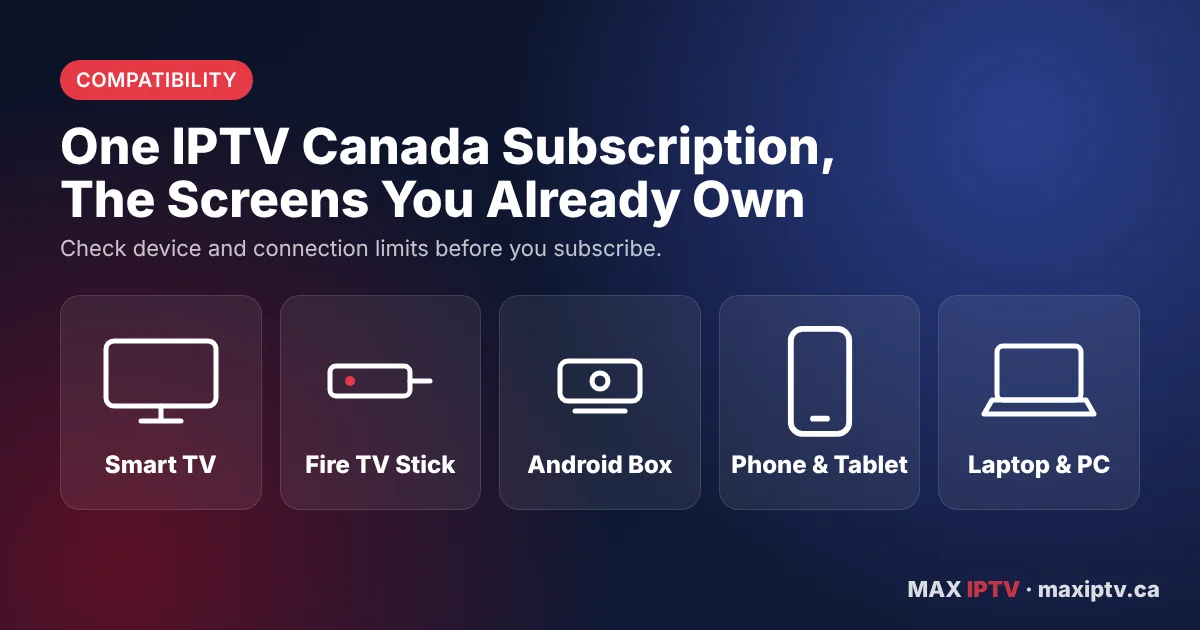
| Device | Typical setup | Best for |
|---|---|---|
| Amazon Fire TV Stick | Install a player app, then add your login | Any TV with an HDMI port |
| Android TV / Google TV | Player app from the app store | Smooth navigation and EPG |
| Samsung / LG Smart TV | Compatible app from the TV store | No extra hardware |
| iPhone, iPad, Android phone | Mobile player app | Watching on the go |
| Windows PC / Mac | Desktop player or web player | Second screen at home or work |
Step-by-step instructions for each device are in our IPTV setup guide for Canada, and if several people in your home watch at once, read IPTV on multiple devices in Canada.
How much internet speed do you need?
- SD: around 5 Mbps per stream
- HD (720p/1080p): at least 10 Mbps per stream
- 4K: 25 Mbps or more per stream
- Tip: use a wired Ethernet connection or a 5 GHz Wi-Fi band for the main TV whenever possible.
IPTV Canada Red Flags vs Green Flags
Most bad experiences with IPTV in Canada can be avoided by spotting warning signs early. Use this quick comparison when you look at any provider’s website.
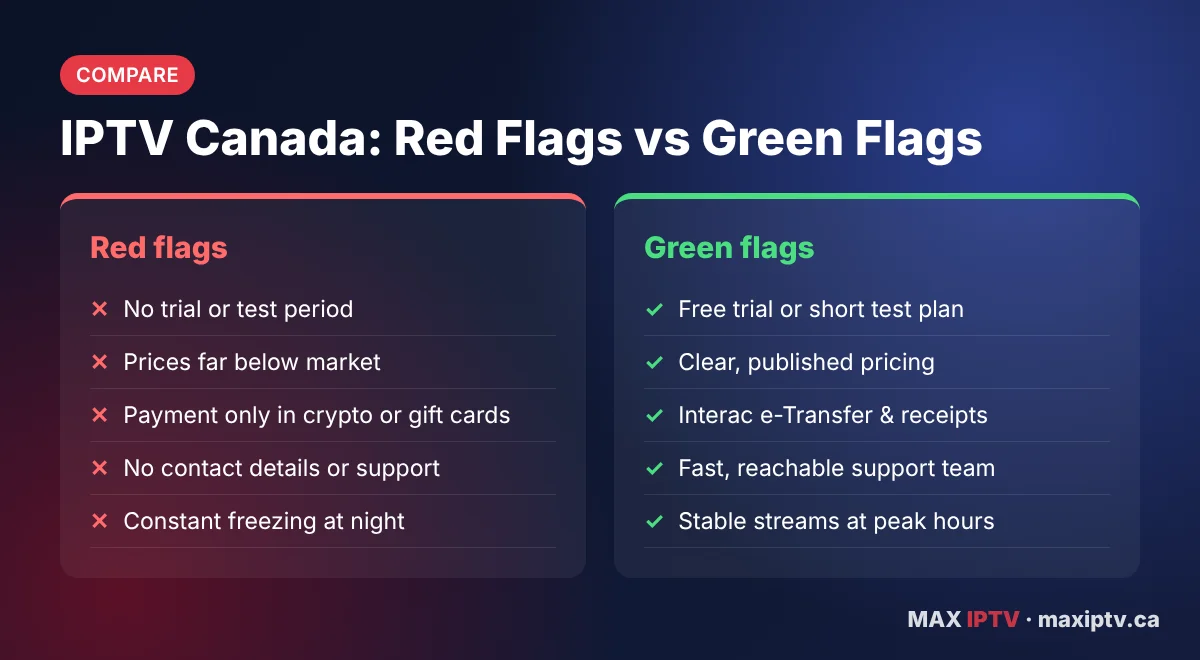
🚩 Red flags
- No trial, test plan or refund terms
- Prices far below every other provider
- Payment only by crypto or gift cards
- No email, phone or contact page
- Constant freezing every evening
✅ Green flags
- Free trial or short test plan
- Clear prices in Canadian dollars
- Interac e-Transfer and a payment receipt
- Fast, helpful support team
- Stable streams during prime time
Legal IPTV in Canada: What You Should Know
IPTV is a delivery technology, and the technology itself is legal in Canada. What matters is whether the provider has the right to distribute the channels and content it offers. Broadcasting in Canada is overseen by the CRTC, and copyright is protected under the Copyright Act.
As a viewer, the safest approach is to choose a provider that is transparent about its service, gives you clear terms and real contact details, and answers your questions directly. If something seems too good to be true, it usually is. For a detailed breakdown, read how to identify legal vs illegal IPTV services.
How to Test an IPTV Canada Service in 24 Hours
A trial is only useful if you test the right things. Follow these steps during your first day:
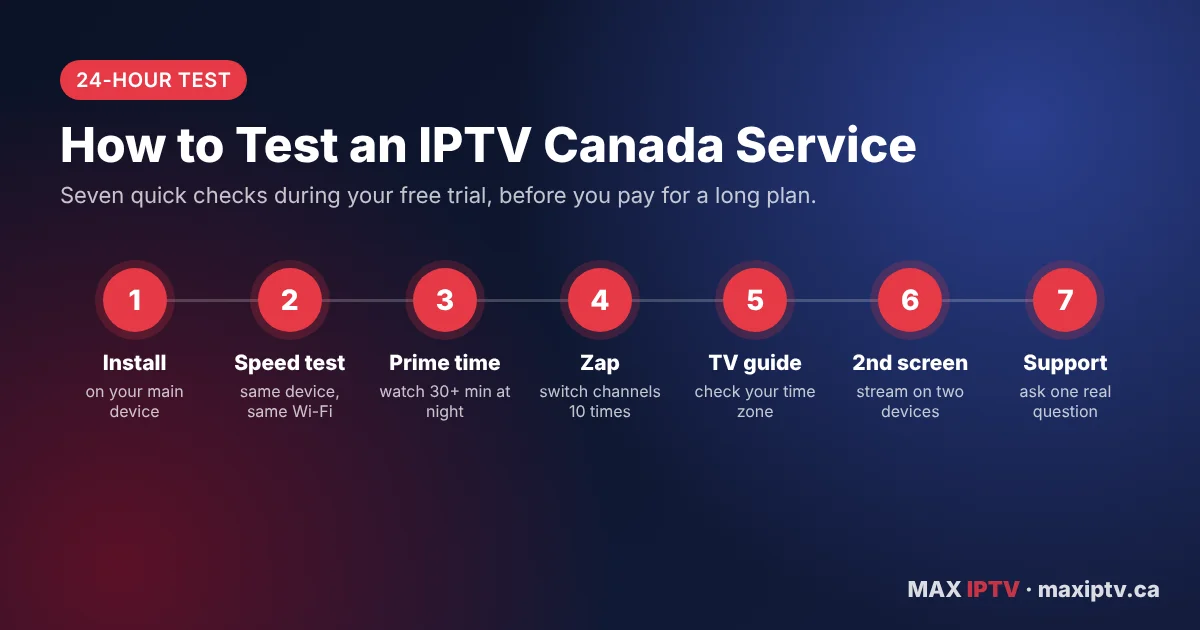
- Install on your main device and time how long setup takes.
- Run a speed test on the same device so you can compare results fairly.
- Watch a live channel for 30+ minutes between 7 and 11 PM.
- Switch channels quickly 10 times and note how long each takes to load.
- Open the TV guide and check that times match your province.
- Try a second device at the same time if you need multi-screen.
- Contact support with one real question and note the response time.
Want a printable version? Use our practical checklist for testing IPTV before buying.
Why Canadians Choose Max IPTV
At Max IPTV, we built our service around the same checklist in this guide, because it reflects what Canadian viewers ask us every day:
- Free trial so you can test on your own devices first (how it works).
- Interac e-Transfer and clear pricing with no contract.
- Setup help for Fire TV Stick, Android, Smart TVs, iOS and computers.
- Support that answers before and after you subscribe.
Ready to try IPTV Canada the smart way?
Test it on your own TV first, then pick the plan that fits your home.
View plansStart free trialIPTV Canada FAQ
What is the best IPTV Canada service in 2026?
The best IPTV Canada service is the one that stays stable on your internet at peak hours, supports all your devices, offers a trial, publishes clear pricing and responds quickly to support questions. Use the 7-point checklist in this guide to compare providers.
Is IPTV legal in Canada?
IPTV technology is legal in Canada. Whether a specific service is legal depends on whether it holds the rights to the content it distributes. Choose a transparent provider with clear terms and contact details.
How much does IPTV cost in Canada?
Prices vary by plan length and number of connections. Compare monthly and yearly plans in Canadian dollars, and avoid prices that are far below the rest of the market.
Can I use one IPTV subscription on several devices?
Many providers allow multiple connections, but the number of devices that can stream at the same time depends on your plan. Confirm this before you subscribe.
What internet speed do I need for IPTV in Canada?
Plan for at least 10 Mbps per HD stream and 25 Mbps or more per 4K stream. A wired connection or 5 GHz Wi-Fi gives the most stable picture.
Final Thoughts
A great IPTV Canada experience comes down to a few things: stable streams when you actually watch, support for your devices, honest pricing and a team that answers. Test before you commit, use the checklist above, and you will avoid most of the problems people run into when they leave cable.
Ready to set up? Follow the Max IPTV setup guide or start your free trial today.