
Why Firestick Is the Best Device for IPTV in Canada
Before diving into the setup steps, it’s worth understanding why so many Canadians choose Firestick as their IPTV device. According to Statista’s streaming device reports, Amazon Fire TV devices rank among the top three most-used streaming platforms globally. Furthermore, in Canada specifically, the Firestick’s combination of price, performance, and compatibility makes it the ideal IPTV platform:
- Works on any TV instantly: Because the Firestick plugs directly into any HDMI port, it turns even older TVs into smart streaming devices. As a result, you don’t need to buy a new television to enjoy 4K IPTV.
- Full Android-based OS: Unlike smart TV platforms that restrict app installations, the Firestick runs a full Android-based OS. This means you can sideload IPTV apps that aren’t in the Amazon App Store using the Amazon Downloader app.
- Firestick 4K Max performance: The latest Firestick 4K Max handles true 4K HDR streams smoothly thanks to its powerful processor. Consequently, MAXIPTV’s 4K channels run without buffering on a solid internet connection.
- Affordable and widely available: Firesticks are sold at Walmart, Best Buy, Amazon Canada, and Canadian Tire for $39–$79. In addition, they go on sale frequently — making them the most cost-effective IPTV hardware option available.
- Voice remote with Alexa: Beyond streaming, the Firestick remote includes Alexa voice search. Therefore, switching channels, searching for content, and controlling playback is faster than any cable remote.
For the best IPTV experience, we recommend the Firestick 4K Max ($79.99 at Amazon Canada). It supports true 4K HDR, has a faster processor than the standard Firestick, and handles multiple simultaneous MAXIPTV streams without issue. That said, even the standard Firestick HD ($39.99) works perfectly for 1080p IPTV viewing.
What You Need Before You Start
To follow this guide successfully, make sure you have the following ready. Fortunately, most Canadians already have everything on this list:
| Requirement | Details | Ready? |
|---|---|---|
| Amazon Firestick | Any model — Firestick HD, 4K, or 4K Max recommended | Check ✓ |
| TV with HDMI port | Any TV from the last 15 years will work | Check ✓ |
| Internet connection | Minimum 25 Mbps for HD, 50 Mbps for 4K streaming | Check ✓ |
| Amazon account | Free — required to set up the Firestick initially | Check ✓ |
| MAXIPTV subscription | Free trial available — no credit card required | Get Free Trial |
| All set? Follow the 5 steps below to start watching in minutes · maxiptv.ca | ||
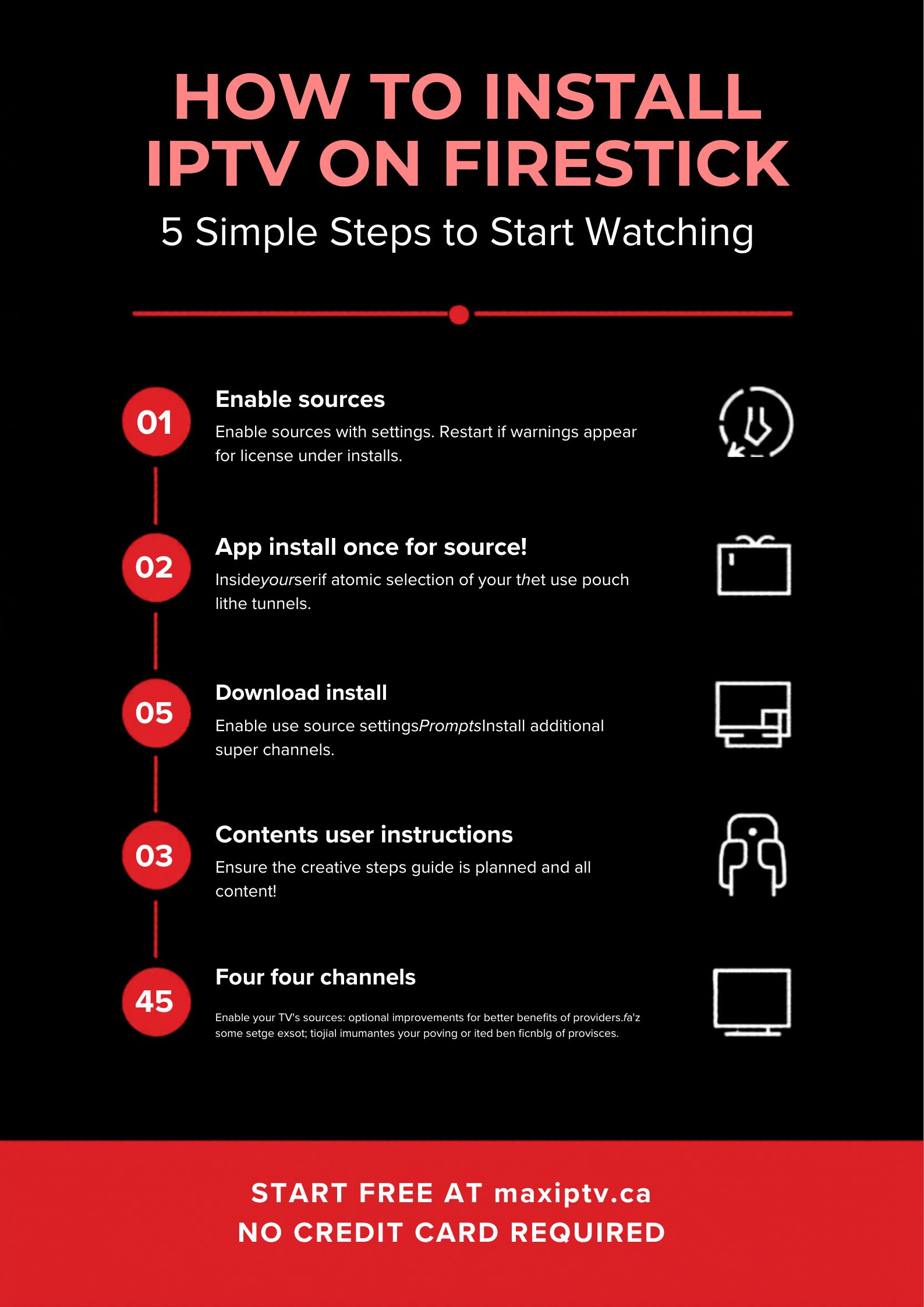
How to Install IPTV on Firestick in Canada: 5 Steps
Now that everything is in place, let’s walk through the complete installation process. Each step below is straightforward — moreover, if you get stuck at any point, MAXIPTV’s live chat support responds in under 3 minutes.
Best IPTV Settings for Firestick in Canada
Once MAXIPTV is installed, a few quick settings adjustments will significantly improve your streaming experience. In particular, these tweaks make a noticeable difference during live sports and 4K content:
- Set display resolution to 4K UHD: Go to Firestick Settings → Display & Sounds → Display → Video Resolution and select 4K Ultra HD. Otherwise, your Firestick may default to 1080p even on a 4K TV, limiting your MAXIPTV picture quality unnecessarily.
- Enable Dolby Atmos audio: Under Settings → Display & Sounds → Audio → Dolby Digital Output, select Dolby Digital Plus. As a result, MAXIPTV’s premium channels deliver surround sound where available — particularly noticeable during NHL and UFC broadcasts.
- Connect via Ethernet for live sports: While WiFi works well for most viewing, connecting your Firestick via an Ethernet adapter during major live events eliminates any risk of WiFi interference. The Amazon Ethernet adapter for Firestick costs under $15 and is well worth it for playoff hockey.
- Clear app cache regularly: Over time, the MAXIPTV app cache can build up and slow performance. Therefore, go to Settings → Applications → Manage Installed Applications → MAXIPTV → Clear Cache every few weeks to keep the app running smoothly.
- Use 5GHz WiFi band: If you’re using WiFi, always connect your Firestick to the 5GHz band rather than 2.4GHz. The 5GHz band is faster, less congested, and significantly reduces buffering risk during peak hours.
Troubleshooting: Fixing Common Firestick IPTV Issues
Even though MAXIPTV is engineered for Canadian ISP networks, occasional technical issues can arise on any device. Fortunately, most Firestick IPTV problems are quick to solve. Below are the most common issues and their solutions:
| Problem | Most Likely Cause | Solution |
|---|---|---|
| Buffering during live sports | Peak-hour WiFi congestion | Switch to 5GHz WiFi or Ethernet |
| App won’t install | Unknown sources not enabled | Enable in Developer Options (Step 1) |
| Login not working | Wrong credentials entered | Check email from MAXIPTV — copy/paste |
| Picture quality looks blurry | Resolution set to 1080p | Set to 4K UHD in Display Settings |
| App freezes or crashes | Full app cache | Clear cache in App Settings |
| Channels not loading | Internet speed too low | Test at fast.com — need 25+ Mbps |
| Still having issues? MAXIPTV live chat support responds in under 3 minutes · maxiptv.ca | ||
Over time, Firestick devices accumulate background apps and cached data that slow performance. To restore speed, go to Settings → My Fire TV → Restart to clear memory, then Settings → Applications → Manage Installed Applications and uninstall any apps you don’t use. Additionally, consider upgrading to the Firestick 4K Max if your current model is more than 3 years old — the performance difference for 4K IPTV is substantial. According to AFTVnews, restarting your Firestick weekly is one of the most effective ways to maintain smooth performance.
MAXIPTV on Firestick vs Other Devices: Full Comparison
While Firestick is our top recommendation for Canadian IPTV users, MAXIPTV works seamlessly across all major streaming platforms. Here’s how each device compares so you can choose the best option for your household:
| Device | 4K Support | Setup Ease | Price | Best For |
|---|---|---|---|---|
| 🔥 Firestick 4K Max | ✓ True 4K HDR | ⭐⭐⭐⭐⭐ | $79.99 | Best Overall |
| Firestick HD | 1080p only | ⭐⭐⭐⭐⭐ | $39.99 | Budget Pick |
| Roku (MAXIPTV4ROKU) | ✓ 4K available | ⭐⭐⭐⭐⭐ | $49.99+ | Easy Setup |
| Samsung Smart TV | ✓ Native 4K | ⭐⭐⭐⭐ | Free (built-in) | Living Room |
| Android Phone/Tablet | Screen dependent | ⭐⭐⭐⭐⭐ | Free (existing) | Mobile Viewing |
| Windows / Mac Computer | ✓ Monitor dependent | ⭐⭐⭐⭐ | Free (existing) | Office / Travel |
| All devices supported by MAXIPTV · One subscription covers 3 simultaneous connections · maxiptv.ca | ||||
One of the biggest advantages of MAXIPTV over cable is device flexibility. A single MAXIPTV subscription supports up to 3 simultaneous connections on any combination of devices. As a result, you can watch on your Firestick in the living room, your phone on the commute, and your tablet in the bedroom — all at the same time, all included in one plan. See all plans at maxiptv.ca/pricing.
Frequently Asked Questions
How do I install IPTV on Firestick in Canada?
Is IPTV on Firestick legal in Canada?
Which Firestick is best for IPTV in Canada?
Why is my IPTV buffering on Firestick?
Can I get a free IPTV trial on my Firestick in Canada?
Does IPTV work on all Firestick models?
Related Guides
Install MAXIPTV on Your Firestick — Free
5-minute setup. 15,000+ channels. True 4K. No credit card.
TSN · Sportsnet · NHL · UFC · CBC · CTV · From $12.99/mo
No credit card · Full access · Instant activation · Cancel anytime · No contracts